
Gaming
7 Video Game Room Ideas for the Ultimate Gaming Space
This curated guide is for anyone who wants a dedicated gaming space that looks like an intentional part of the home rather than a chaotic electronics closet. You will get seven actionable layouts, specific furniture measurements, and lighting tricks that keep screens immersive and rooms clutter-free. Setting up good video game room ideas comes down to balancing display tech with tactile materials like oak, linen, and matte steel.
Quick picks: The vertical pegboard wall is best for small rooms, the recessed LED backlighting is best for budget upgrades, and the acoustic wood slat wall is best for looks.
1. Acoustic Wood Slat Accent Wall
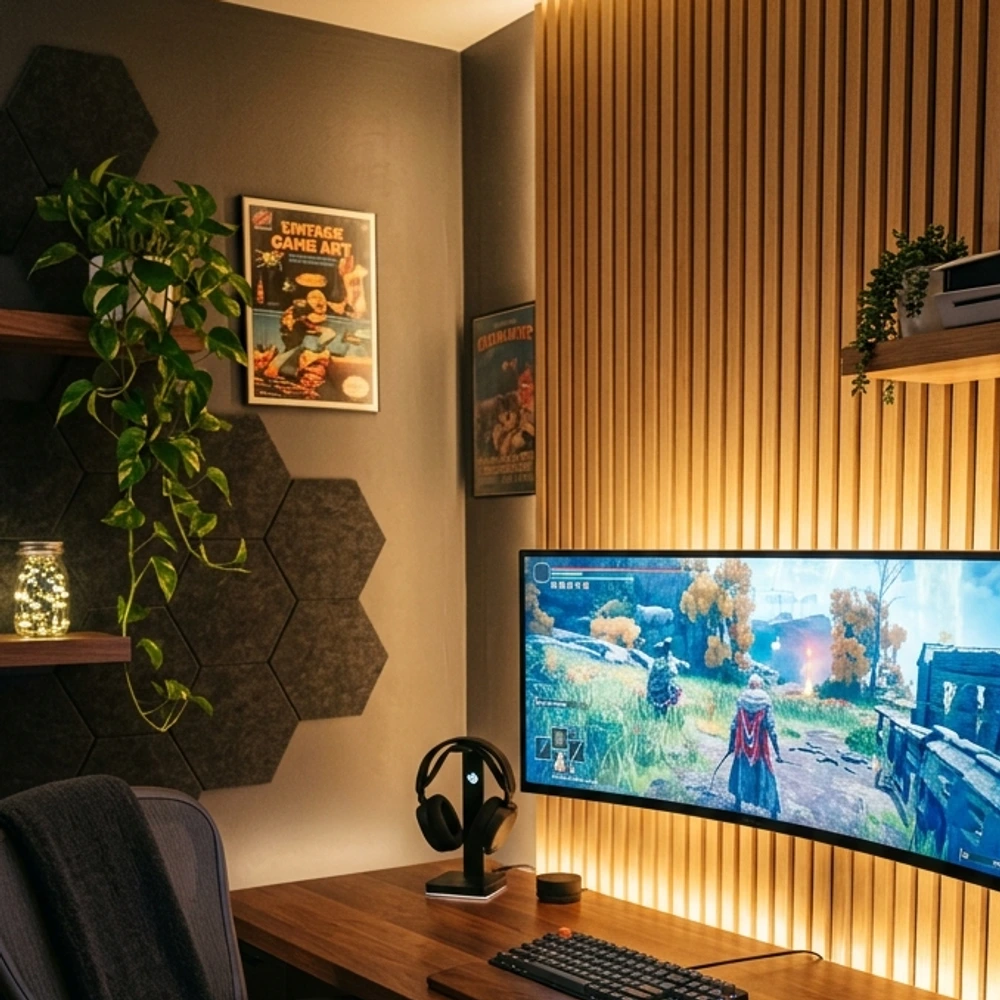
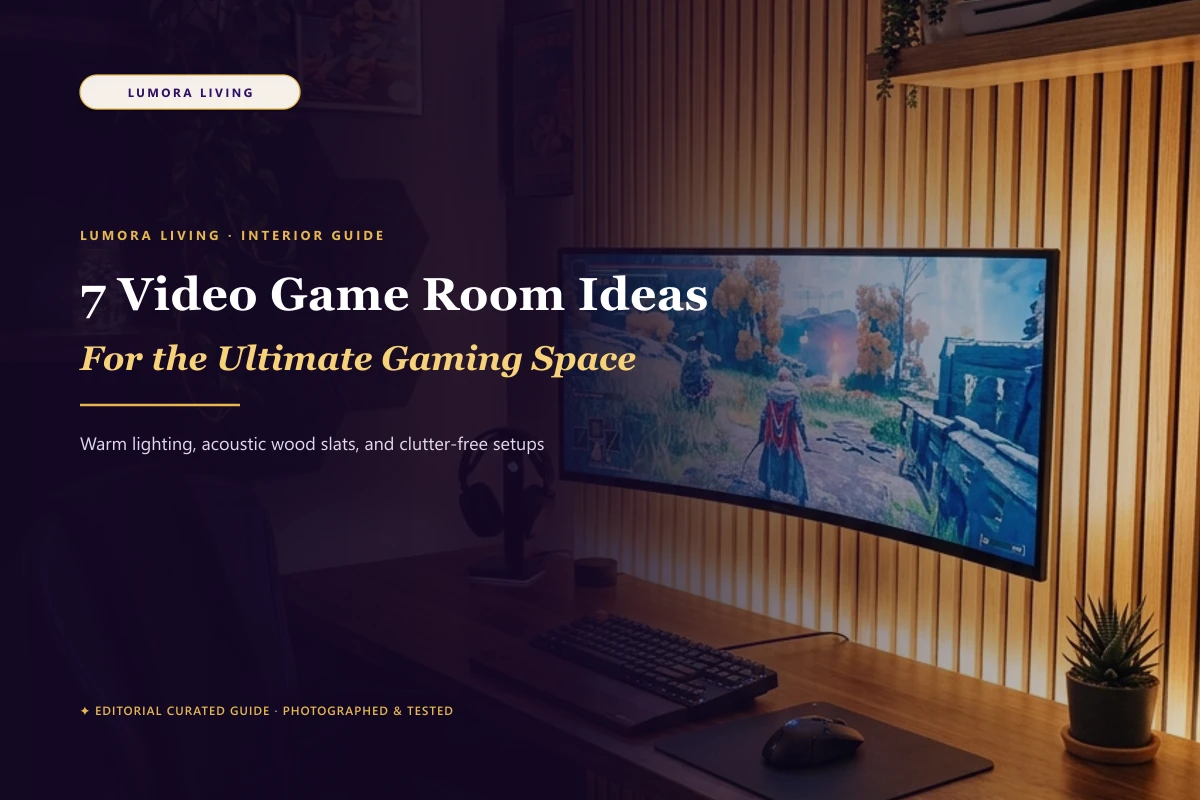
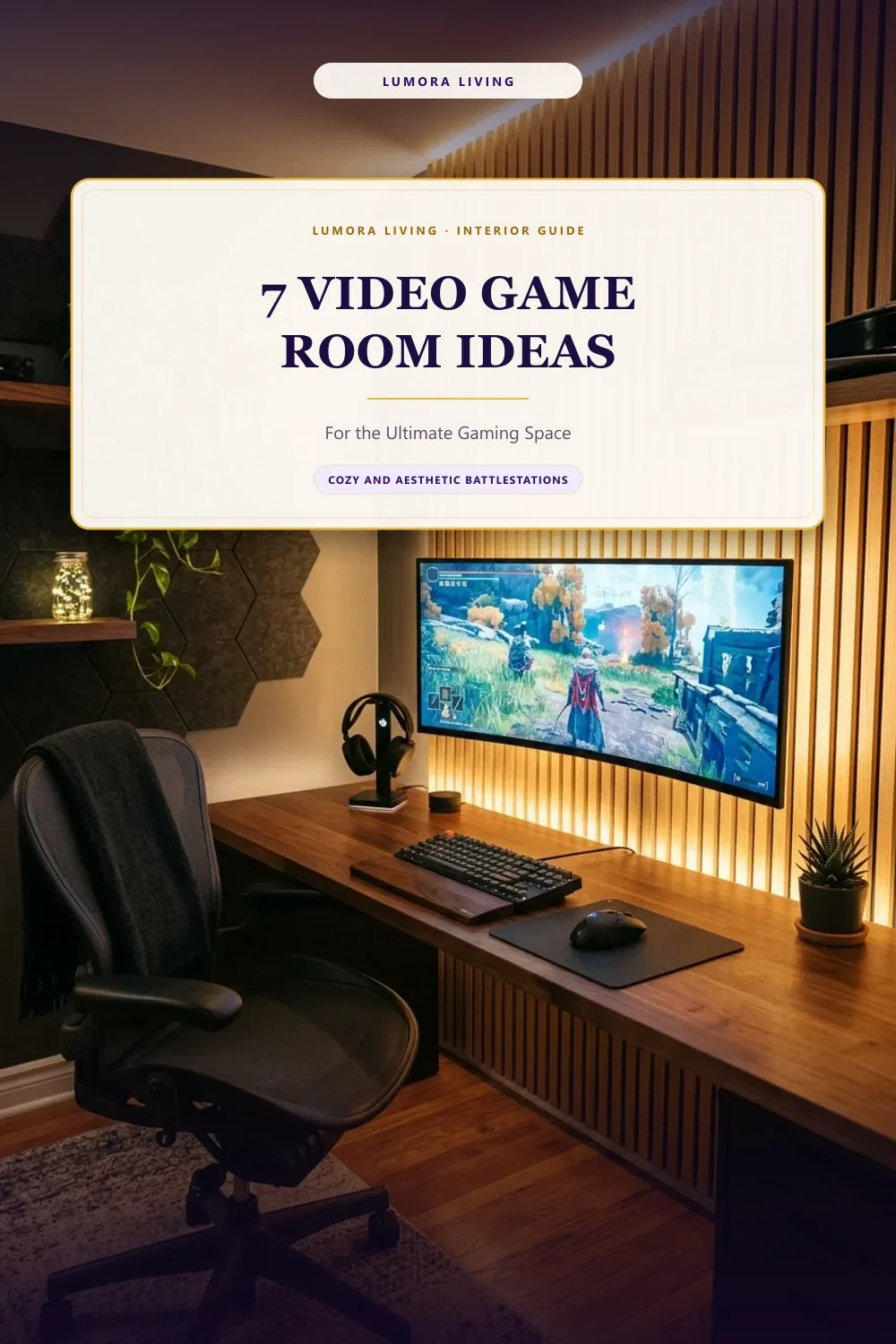
An acoustic slat wall uses vertical oak or walnut veneer slats bonded to dark recycled felt backing. It dampens echoes during voice chat while turning the space behind your main display into an architectural feature. Mount two or three 24 by 96 inch panels directly to drywall using black drywall screws between the slats. The vertical lines add visual height to low ceilings, and the felt backing absorbs keyboard clatter. Position your desk flush against the slats so your primary display sits centered against the wood grain.
- Best for: Reducing vocal echo while creating a high-end backdrop
- Room size: Medium
2. Floating Dual-Monitor Desk Setup
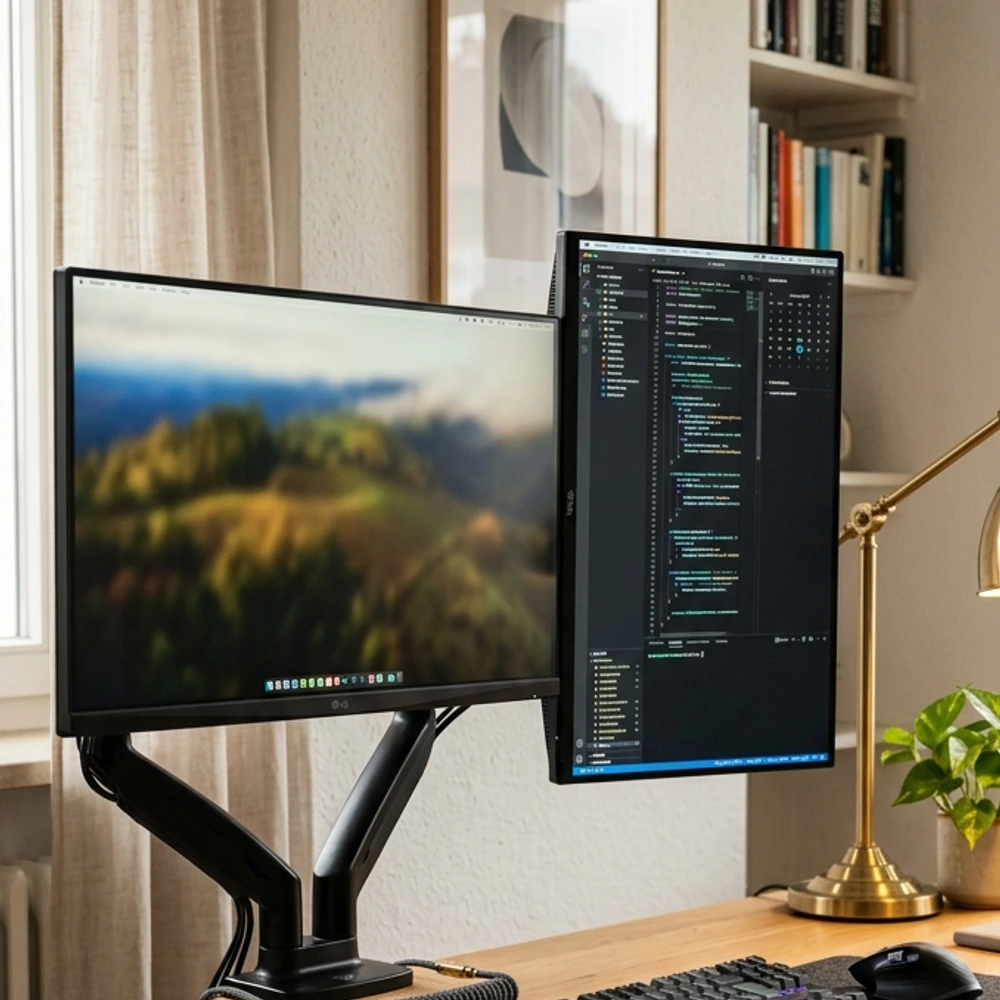
Mounting two screens on a dual gas-spring monitor arm immediately reclaims square footage on your desktop. Clamp the mount to the rear center of a 60-inch solid wood tabletop. Run one 27-inch display horizontally for gaming and a second 24-inch panel vertically for chat windows and system monitoring. Thread both power and display cables directly through the arm’s internal channels. This floating arrangement allows your keyboard, mouse pad, and desktop audio speakers to sit freely without thick monitor stands crowding your hands.
- Best for: Multitasking streamers and clean desk surfaces
- Room size: Medium
3. Integrated Pegboard Accessory Wall
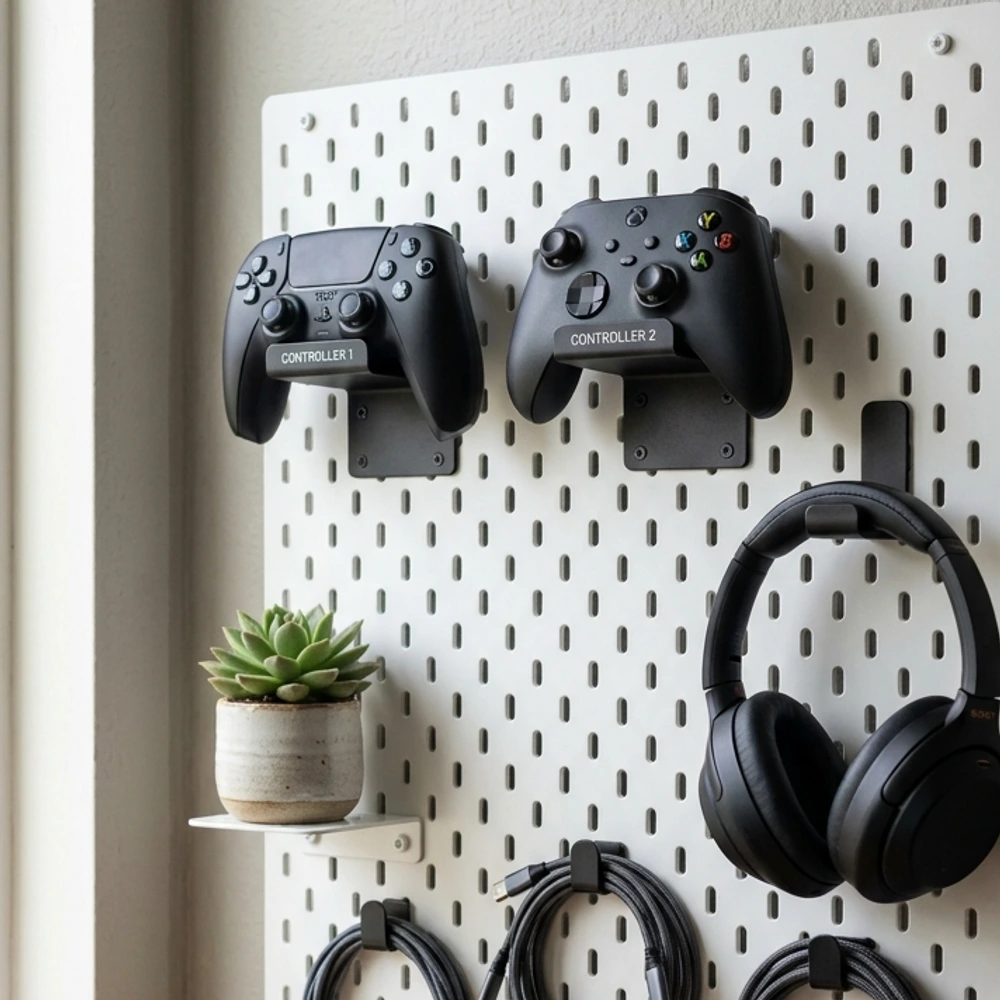
A metal pegboard turns loose accessories into an organized wall display. Install a 30 by 22 inch powder-coated steel board on the wall beside your desk within arm’s reach. Use silicone-tipped hooks to hang your everyday controllers, studio headsets, and spare braided cables. Add a small clip-on steel shelf at the bottom for charging docks and memory cards. Storing gear vertically clears drawer space, keeps batteries off the floor, and lets you see exactly where your controllers rest before you sit down.
- Best for: Keeping everyday controllers and headsets off the desk
- Room size: Small
4. Recessed Warm LED Backlighting
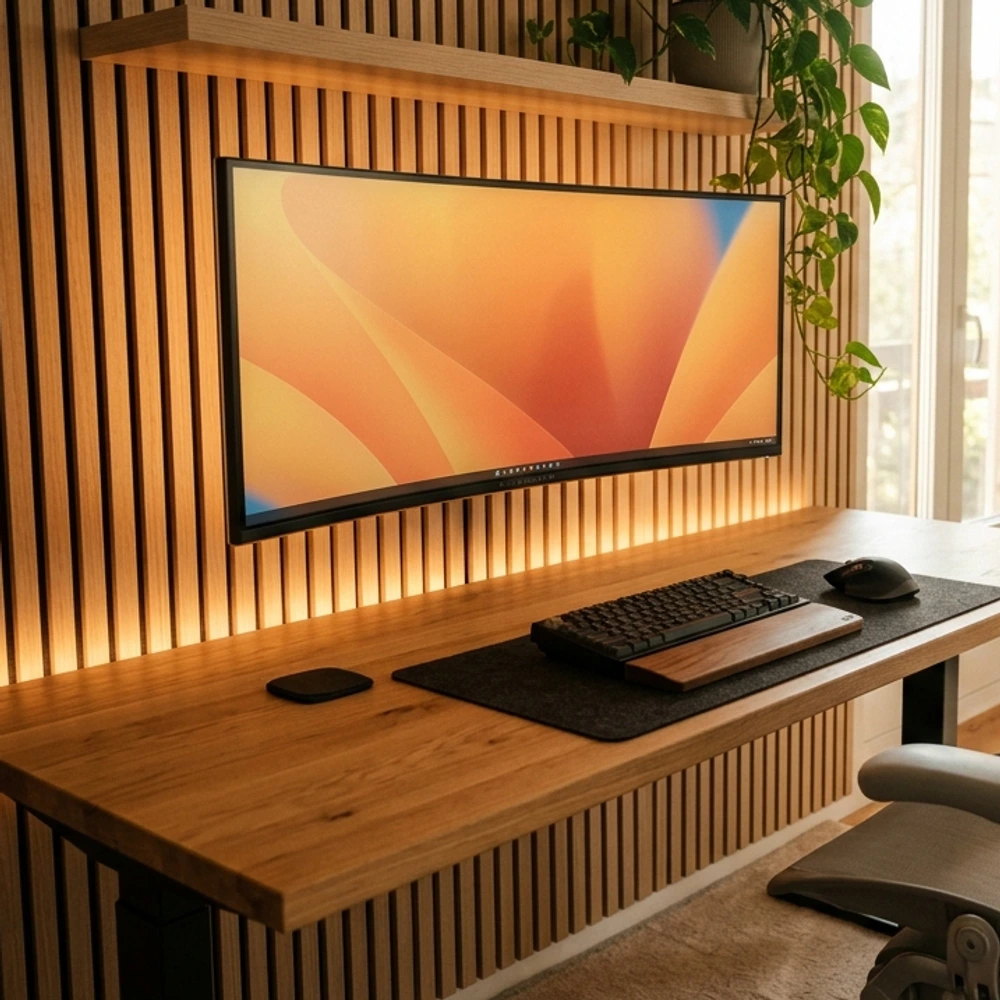
Harsh ceiling lights create screen glare, while total darkness strains your eyes during intense evening play. Fix this by sticking a 5-meter diffused COB LED strip along the back perimeter of your desk and behind your monitor. Choose a warm 2700K color temperature rather than saturated rainbow neon. The soft amber glow bounces off the drywall, balancing the bright screen luminance and relaxing your eyes. Use adhesive cable tracks to hide the strip’s power lead along the desk leg down to the floor outlet.
- Best for: Eye comfort and relaxing evening ambiance
- Room size: Small
5. Built-In Console and Media Credenza
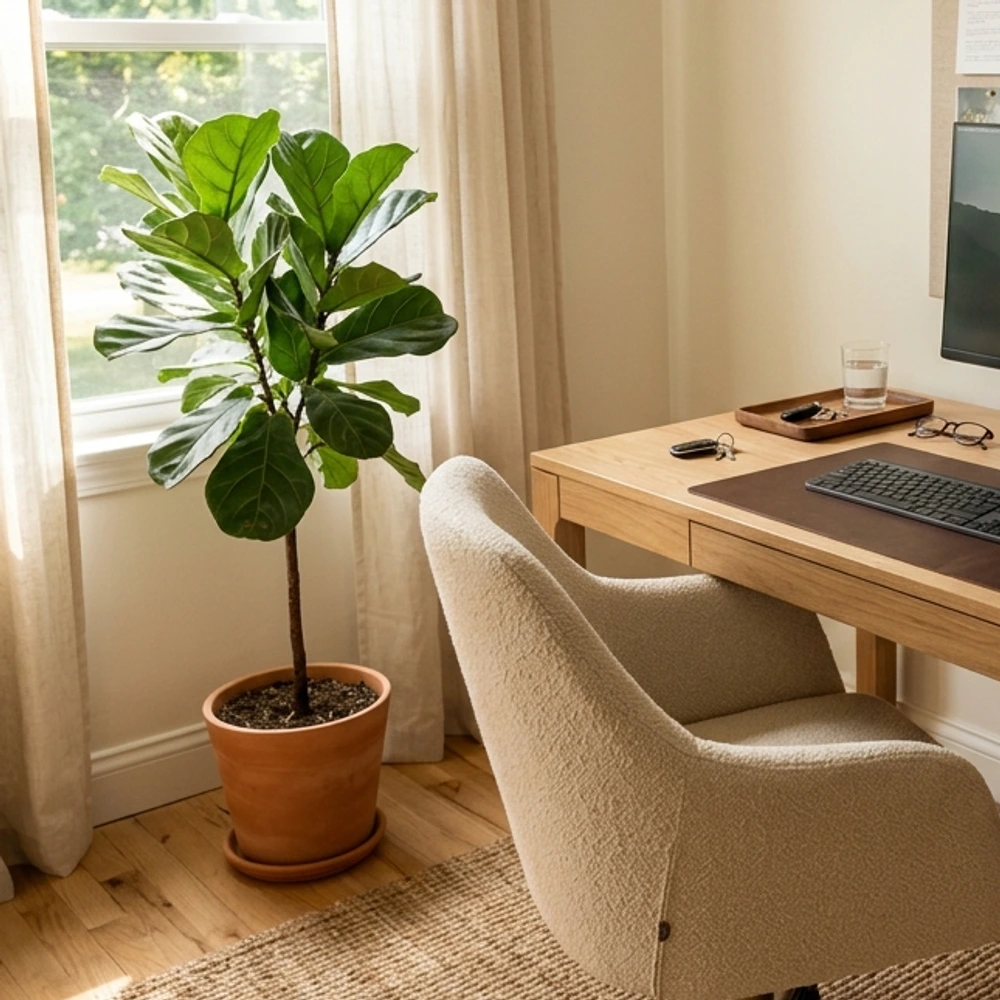
If your room hosts consoles alongside PC gaming, a low credenza keeps living spaces grounded. Choose a 54-inch cabinet with slatted doors or perforated back panels that let air circulate around warm consoles. Place your main television or secondary monitor at seated eye level on the wall above. Store physical game cases, power bricks, and extra gamepads behind closed cabinet doors. The wooden credenza hides power supplies while offering a clean flat surface for a ceramic tray or ceramic lamp.
- Best for: Console players sharing a living or media room
- Room size: Large
6. Ergonomic Corner Battlestation Layout
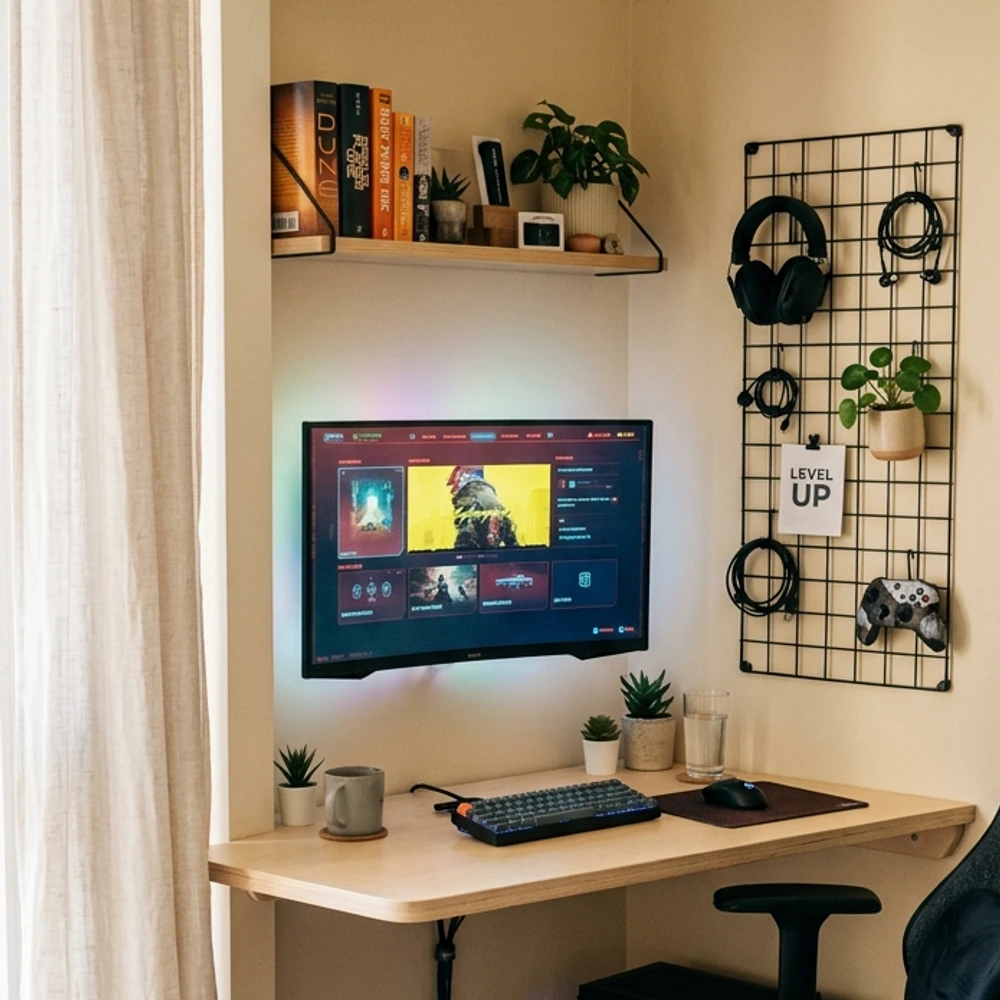
An L-shaped corner desk makes the most of dead corner square footage while separating your workflow. Place your main gaming monitor on the longer 60-inch wing and your secondary task space or laptop on the 48-inch return. Sit in an adjustable ergonomic chair with lumbar support instead of a stiff racing-style bucket seat. This setup creates two distinct operational zones within one fluid movement, keeping personal projects on one side and full immersion on the other.
- Best for: People who use the same room for remote work and gaming
- Room size: Large
7. Dedicated Beverage and Snack Nook
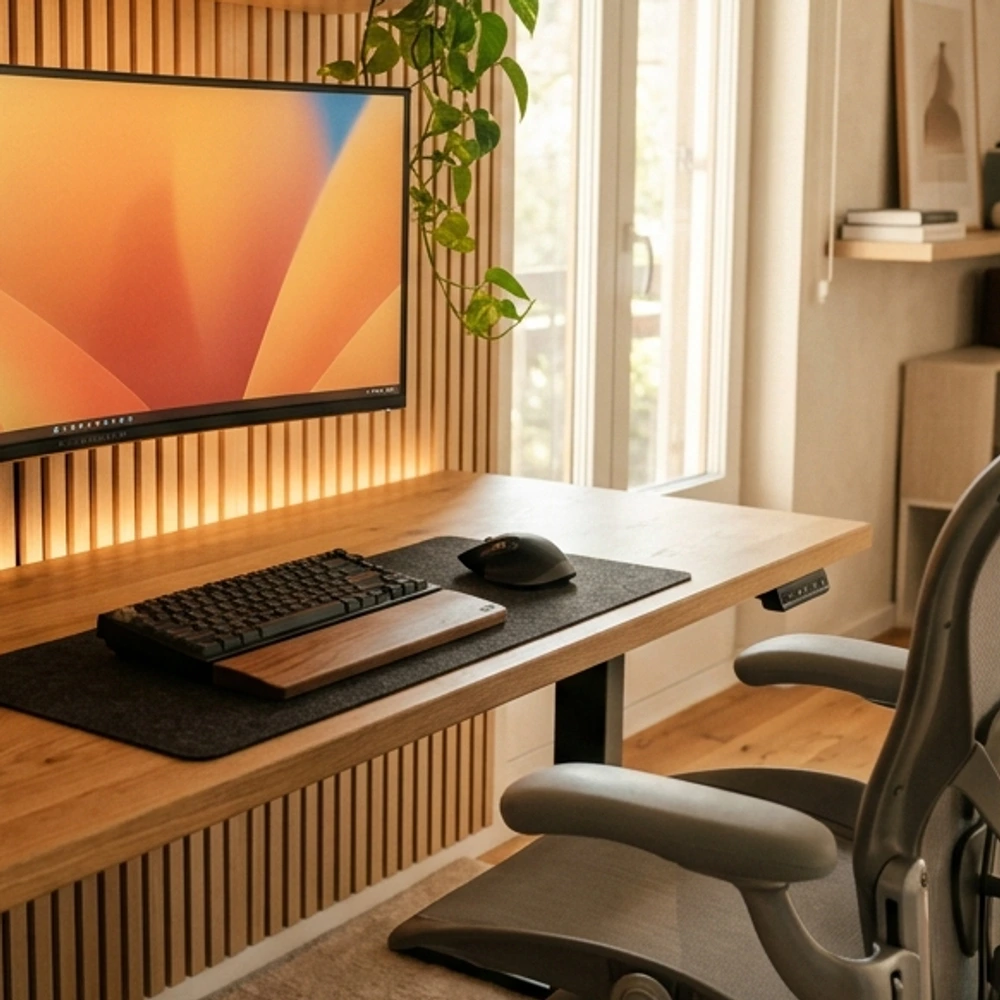
Keep long co-op sessions comfortable by setting up a compact drink station away from your electronics. Tuck a quiet 1.6 cubic foot glass-front beverage cooler inside a small walnut shelving unit in the room’s rear corner. Top the unit with a stone tray, coasters, and a lidded water pitcher. Placing drinks on a separate surface removes the danger of knocking open soda cans across expensive mechanical keyboards. It also gives you a built-in excuse to stand up and stretch between matches.
- Best for: Dedicated basement or bonus room entertainment spaces
- Room size: Large
Quick Tips Before You Start
- Measure your wall studs before ordering heavy shelving or articulated monitor arms.
- Pick a single primary wood tone for your desk, shelving, and wall accents to keep the room cohesive.
- Install an under-desk cable basket early so cords never hang down toward your feet.
- Opt for matte finishes on desks and peripherals to cut glare and hide daily fingerprints.
Building a great room takes thoughtful planning and honest budgeting. If you are dealing with tight square footage, browse our guide on small gaming room ideas for space-saving layouts, or explore our favorite black gaming setup ideas for a darker, moody aesthetic. Bringing these video game room ideas to life will give you a balanced sanctuary you can enjoy every day.
Frequently asked questions
What is the ideal room size for a video game room?
A spare bedroom measuring 10 by 10 feet provides plenty of space for a 60-inch desk, an ergonomic chair, and vertical wall shelving. Smaller 8 by 8 foot spaces also work well when you prioritize wall mounts and compact corner desks over bulky credenzas.
How do I reduce screen glare without making the room pitch black?
Use sheer linen window curtains to diffuse harsh direct sunlight during the daytime. For night sessions, install warm 2700K bias lighting strips directly behind your displays. This balances room contrast without washing out monitor colors or creating bright reflections on the glass.
Are racing gaming chairs better than ergonomic office chairs?
Ergonomic mesh or fabric office chairs offer superior long-term support for your spine, hips, and neck. Traditional racing chairs often lack adjustable lumbar depth and trap body heat. A breathable mesh task chair keeps you cooler and supports healthy posture through multiple hours of play.